
Like the great technological advances that have come before it, AI is changing the way we do almost everything – especially the way we work.
Interior designers are no different, and many are increasingly embracing AI as a tool to complement, rather than replace, the creative process. In fact, the 2025 State of AI & Business of Interiors Report by MattoBoard found that 57% of its 250+ respondents said AI’s biggest benefit is speed and efficiency. Industry organizations are taking note of the interest in AI, too. ASID now offers “Transforming Design with AI: From Bias to Balanced Creativity in Healthy Interior & Architectural Design” and “Authenticity and Ethics in the AI-Driven Branding Era” as CEU courses.
Whether you’re one of the many interior designers who already use ChatGPT regularly and are looking for more tools or are completely new to incorporating AI into your process, consider trying the recommendations below to work smarter, not harder.
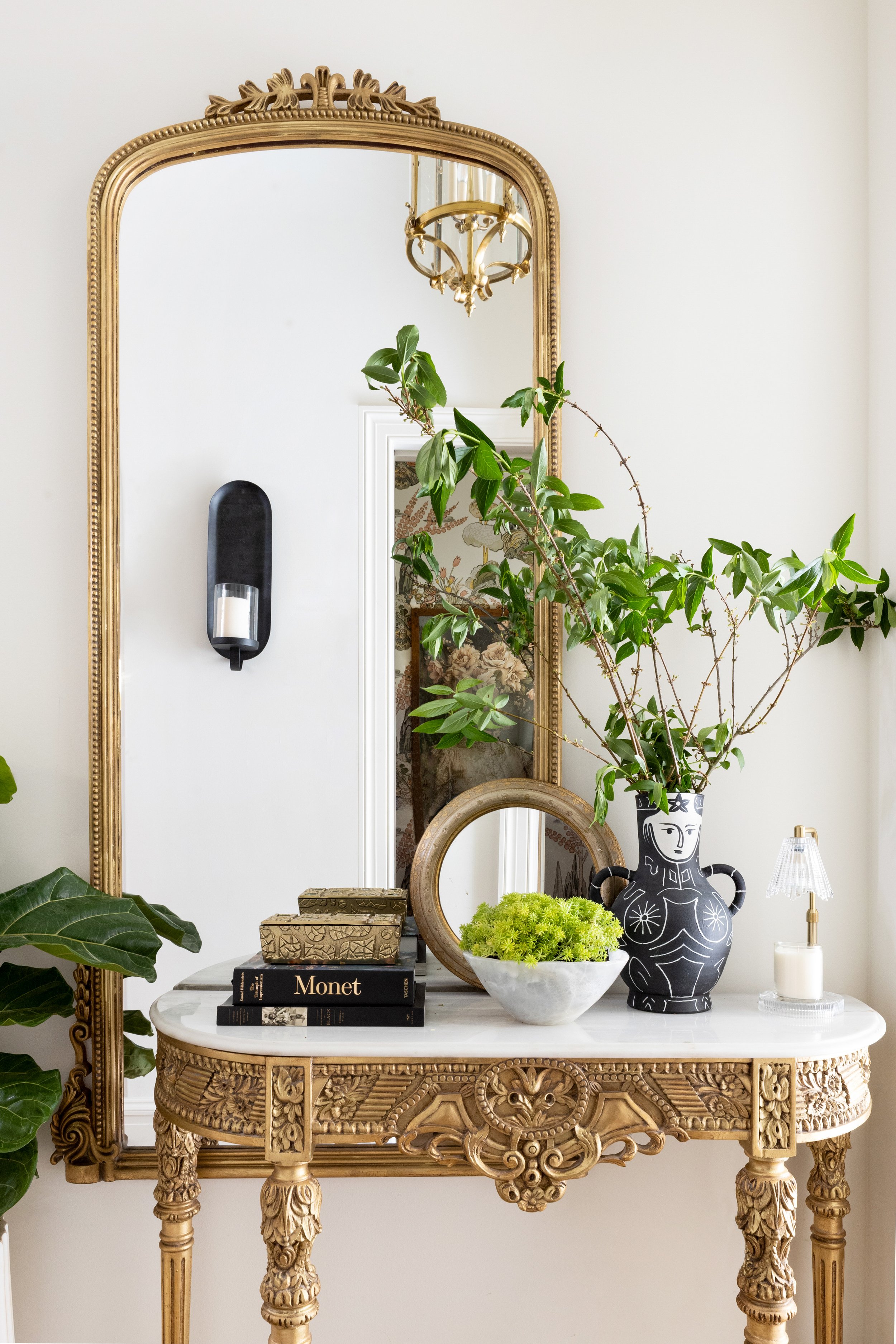
Less time on repetitive tasks = more time designing thoughtful, client-centered spaces.
Designer: Pamela Williams Interior Design
Image Credit: CatMax Photography
Research and Concept Design
One of the best ways to use AI is to help expedite research. Chatbots like ChatGPT, Claude, and Gemini are excellent research assistants that can help you brainstorm and learn more about different elements that could be part of your design. Be sure to ask for sources, though, so you can check the information provided. Some ways the chatbots say they can help include:
Uncovering new eco-conscious materials
Explaining various sustainability certifications
Looking up lead times for custom or imported items
Comparing product specs and dimensions across suppliers
Looking into the history of a building or neighborhood for contextually sensitive designs
When it comes to mood boards, the hours spent gathering images, formatting files, and putting everything together can be saved with tools that can make sourcing and organizing inspiration easier and can create starting-point mood boards for you. According to the Gitnux AI In The Interior Design Industry Statistics report, “Designers using AI tools complete mood boards 75% quicker than manual methods.”
Like most applications of AI, these tools aren’t meant to give you a final product with minimal creative input. They simply allow you to begin visualizing faster and enable you to explore far more options. Some tools to explore:
Kosmik.app can find assets for your mood board from the web via an AI search bar and put them right into your Kosmik workspace, so things stay organized as you go. You can also filter by website, and the software automatically categorizes and tags everything you save and recognizes objects, subjects, and colors from your mood board items, making them all easy to find later.
Morpholio Board is a robust tool for generating mood boards and curating products (it can even connect to Pinterest), but the coolest part of it is Ava. For every mood board you create, Ava automatically builds product sourcing lists and cut sheets with live web links.
Miro.ai offers a mood board generator that creates custom images and allows you to use sketches and other boards you create within Miro as references. Miro itself is an AI-powered visual collaboration platform with more than 7,000 project templates and can integrate with over 250 other work tools.
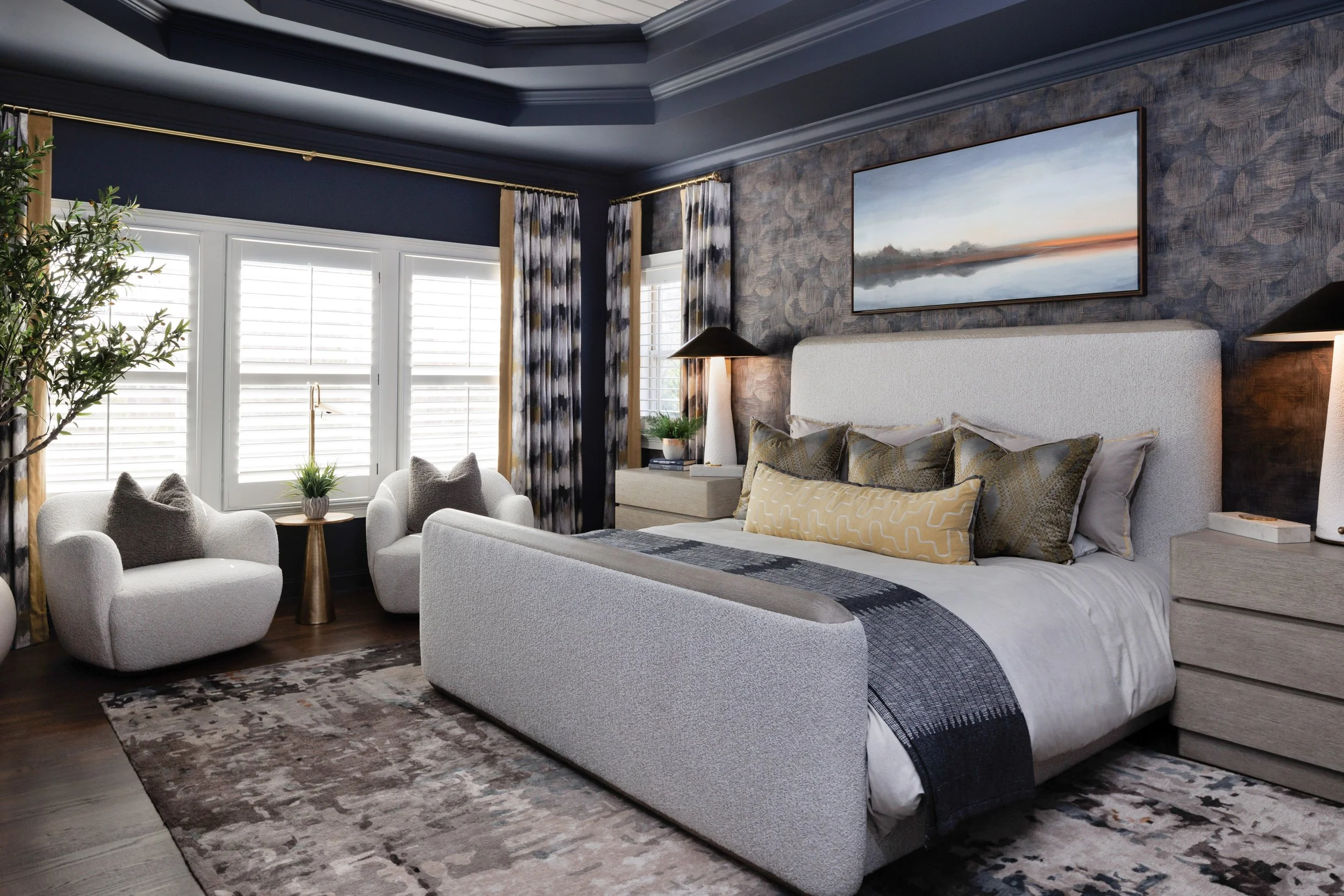
When the project’s complete, great photography helps capture every detail exactly as it was meant to be seen.
Designer: JJarrett Designs
Image Credit: CatMax Photography
Visualization
Renders are also getting an upgrade with AI image technology that’s designed to work with popular CAD software and respects the laws of physics, making it less likely to have hallucinations. Not only does this allow you to work through various scenarios more quickly and explore far more options, but AI visuals can also give you an edge. Gitnux found that, “Client satisfaction scores rose 29% with AI virtual tours in interior projects.”
DesignFiles is truly a Swiss Army knife. After you transform flat mockups or 3D renders into hyperrealistic visuals, you can make adjustments and explore alternate looks. There’s also the ability to test day, night, and backdrop variations. The best part about this software, though, is that its AI rendering feature is merely the beginning of what it can do. With DesignFiles, you can manage nearly every aspect of your business, from clipping products from the web and using the automatic product list generator to creating questionnaires, submitting invoices, tracking orders, managing tasks, and so much more.
SketchUp Diffusion is already a part of SketchUp and turns your 3D models into photorealistic visuals. You can guide the results with text prompts, reference images, or style settings, and even mask areas to add or change elements while keeping everything connected to your SketchUp scene.
Spacely AI also allows you to create photorealistic renders from 3D models and sketches. As client feedback comes in, you can switch materials, tweak layouts, adjust lighting, and update finishes while preserving your original work, so you can reduce back-and-forth revisions and stay on target with project deadlines.
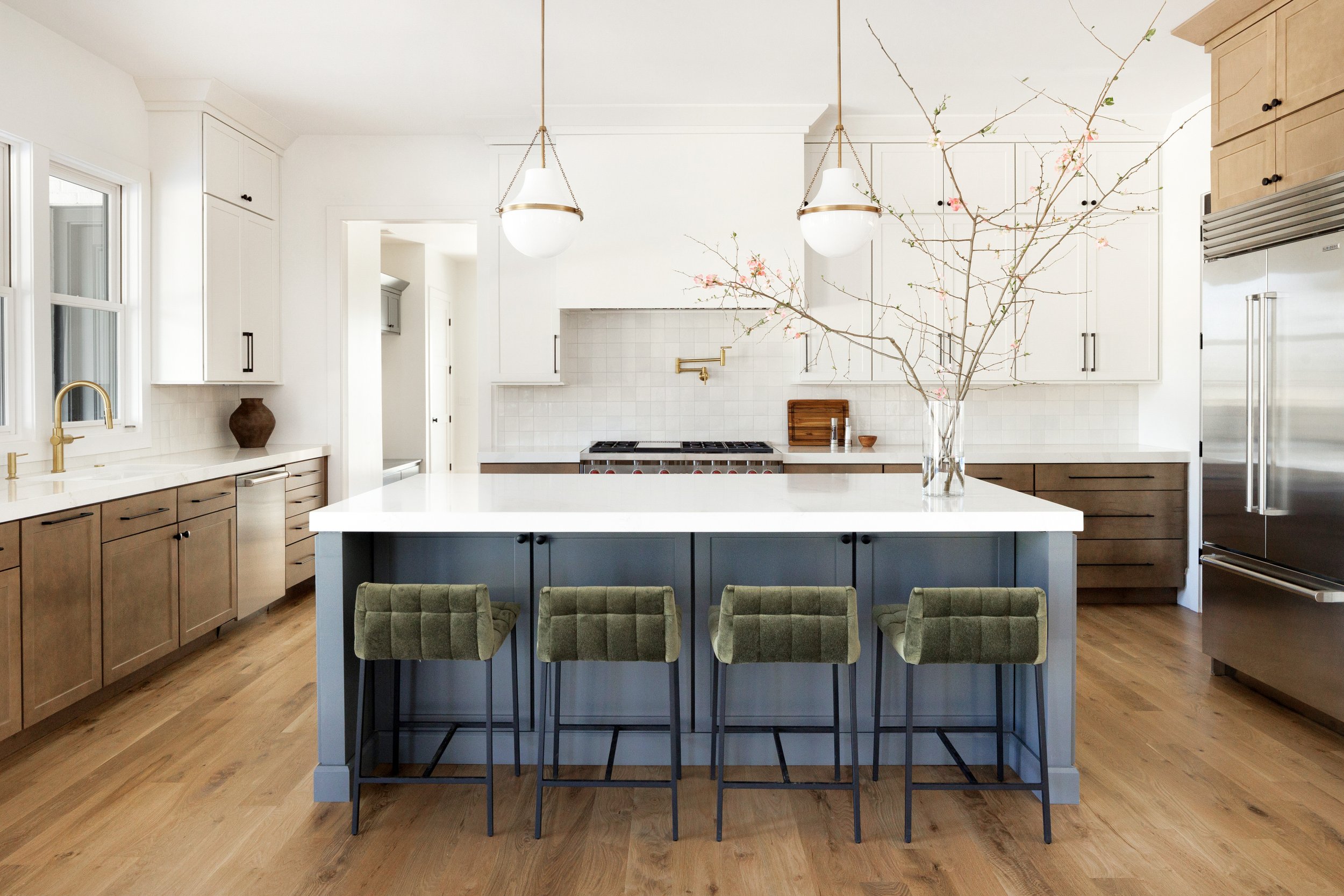
AI can take care of the busywork, so you can focus on creating spaces that feel personal and intentional.
Designer: NF Design
Image Credit: CatMax Photography
What You’re Already Using
Added AI tools are great, but much of the software you’re already using likely has an AI assistant or other component within it that could be hugely helpful. For example, Canva offers an AI tool that creates Instagram captions. Talk about a time-saver!
The best way to use AI assistants and technology built into software you’re already familiar with is to have it show you advanced features you may not have been familiar with and answer questions you have about the software. It’s like having a helpdesk right at your fingertips.
This is Great, But I Have Questions
AI’s convenience also brings concerns. Let’s tackle how to handle some of the most common questions other interior designers have.
How do I explain AI use to my clients?
Try framing it as a way for the two of you to explore more possibilities together, basically giving you more options for finding a design that is truly perfect for them. AI is just the tool that helps bring their vision to life and makes it faster and easier to do that, but it’s not doing the deep, creative work.
Is my client's data safe?
You’ll need to look at the specific tool you’re using and see what it says about privacy. You may also want to ask your clients if they are OK with images of their homes being uploaded into software that uses AI and potentially made public. This is similar to you asking if you could photograph their home and use those images publicly.
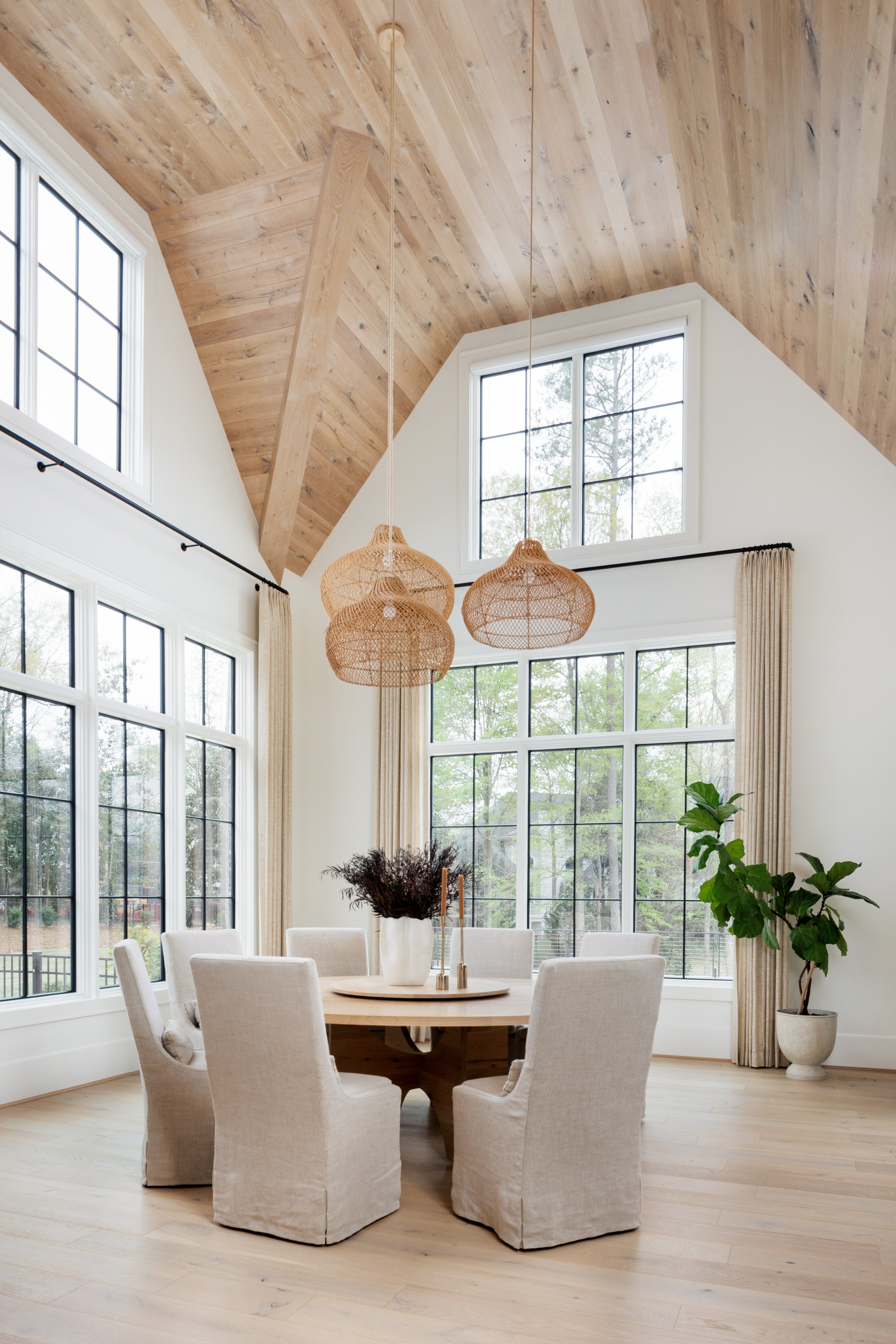
Wrapped up a project you love? CatMax Photography can help you capture it beautifully and share it with future clients.
Designer: Cristi Holcombe Interiors
IMage Credit: CatMax Photography
How do I charge for this?
AI saves time and makes processes more efficient, but it in no way replaces the creativity, skill, insight, and instinct of a human interior designer. If you charge hourly, continue to keep detailed records of where you’re spending your time. Efficiency from AI might mean you spend fewer hours on one aspect of a project but more time on another, more creative aspect, essentially equaling out. If you find you are reducing hours of a complete project, it’s best to move to value-based pricing on the size and scope of the project.
While AI can have its drawbacks, it certainly can give you more time and space to use your creativity where it matters most. Embracing it thoughtfully can help you work smarter, move faster, and ultimately deliver an even better experience for your clients.
Once you’ve delivered that beautiful design, be sure to contact me to capture it with my lens for your portfolio, press coverage, and beyond. Get in touch here.